
401 error when logging in with LDAP
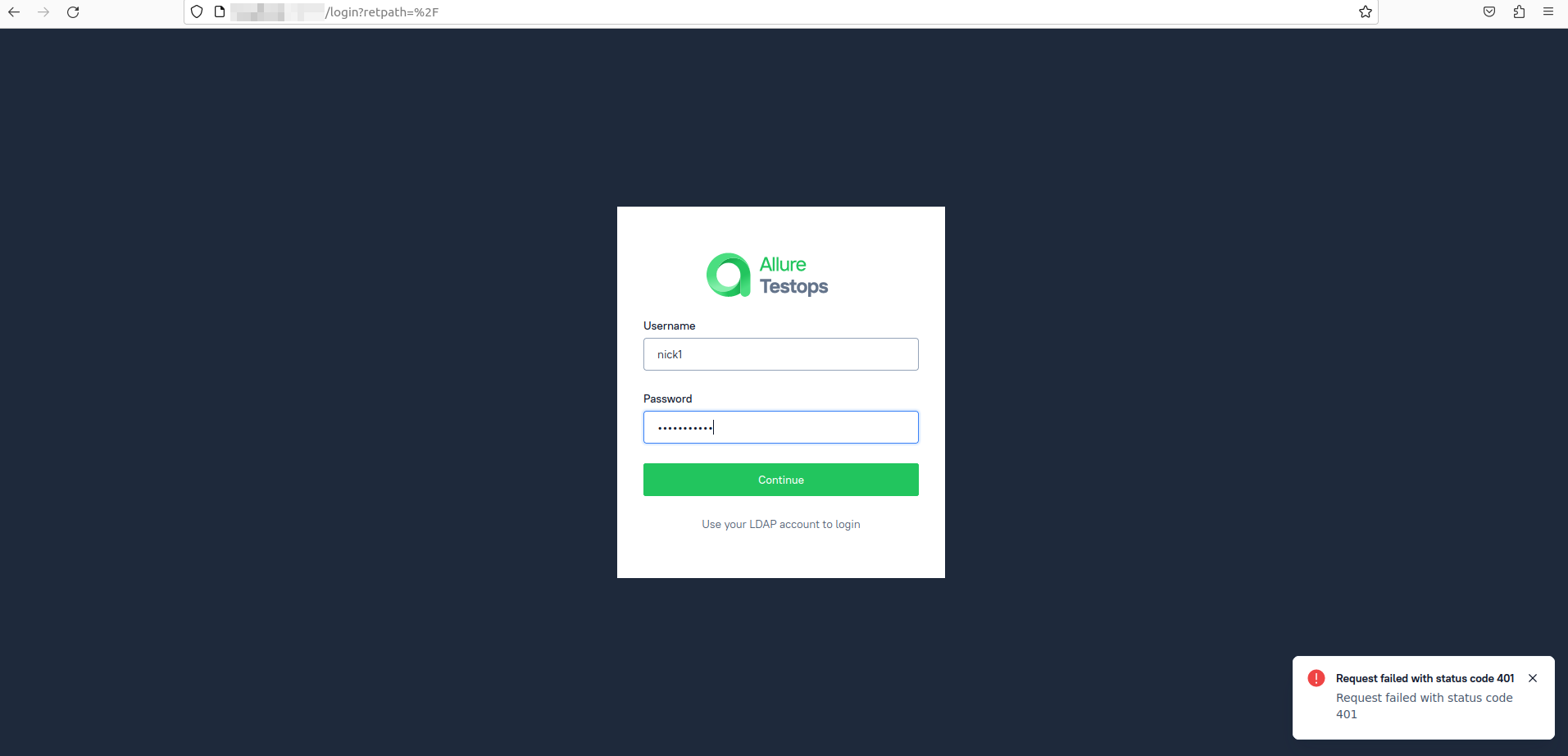
A 401 error usually appears in 2 situations:
1.There is no connection to LDAP.
2.There is an error during authorization of the LDAP service account specified in the configuration file.
What you should check:
1. Is there a connection to LDAP?
- Check that the LDAP URL in the configuration file is correct.
- Check that an active SSL certificate is being used.
- If the connection is using TLS, make sure that the TLS endpoint is correctly specified. For example: TLS_ENDPOINTS=ldaps.example.com:636
2. Check that the LDAP service account specified in the configuration file is authorized.
- Check that the authorization fields are correctly filled in.
For example, if you are using docker compose, you should have the following fields:LDAP_LOGIN_SA='cn=admin,dc=example,dc=com'
LDAP_LOGIN_SA_PASS='<secret>'
You can also find more detailed answers in our documentation
- Make sure that the service account appears to be active.
- Make sure that the user's login and password do not contain a space character at the end
A 401 error usually appears in two situations:
-
There is no connection to LDAP.
-
There is an error during authorization of the LDAP service account specified in the configuration file.
What you should check:
-
Is there a connection to LDAP?
- Check that the LDAP URL in the configuration file is correct.
- Check that an active SSL certificate is being used.
- If the connection is using TLS, make sure that the TLS endpoint is correctly specified. For example: TLS_ENDPOINTS=ldaps.example.com:636
-
Check that the LDAP service account specified in the configuration file is authorized.
-
Check that the authorization fields are correctly filled in. For example, if you are using docker compose, you should have the following fields:
LDAP_LOGIN_SA='cn=admin,dc=example,dc=com'
LDAP_LOGIN_SA_PASS='<secret>'
-
-
You can also find more detailed answers in our documentation.
- Make sure that the service account appear
- Make sure that the service account appear