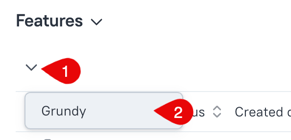
What is favourite tree button?
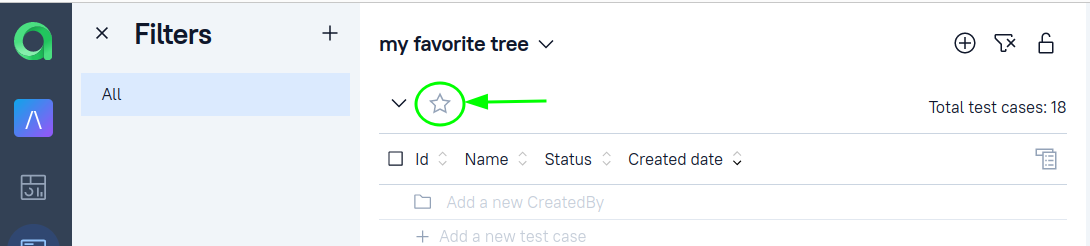
In TestOps there is an option to create different kinds of Test cases views in different hierarchical types by using trees.
You can read more about how to create trees in this documentation:
With the "Favorite tree" button you can add the selected mapping to the Favorite and have quick access to it.
This feature is absent in the experimental tree.
How you can use it?
Say, your usual routine is in a specific area (you are an analyst, that is responsible for a particular feature in the product with the name Grundy):
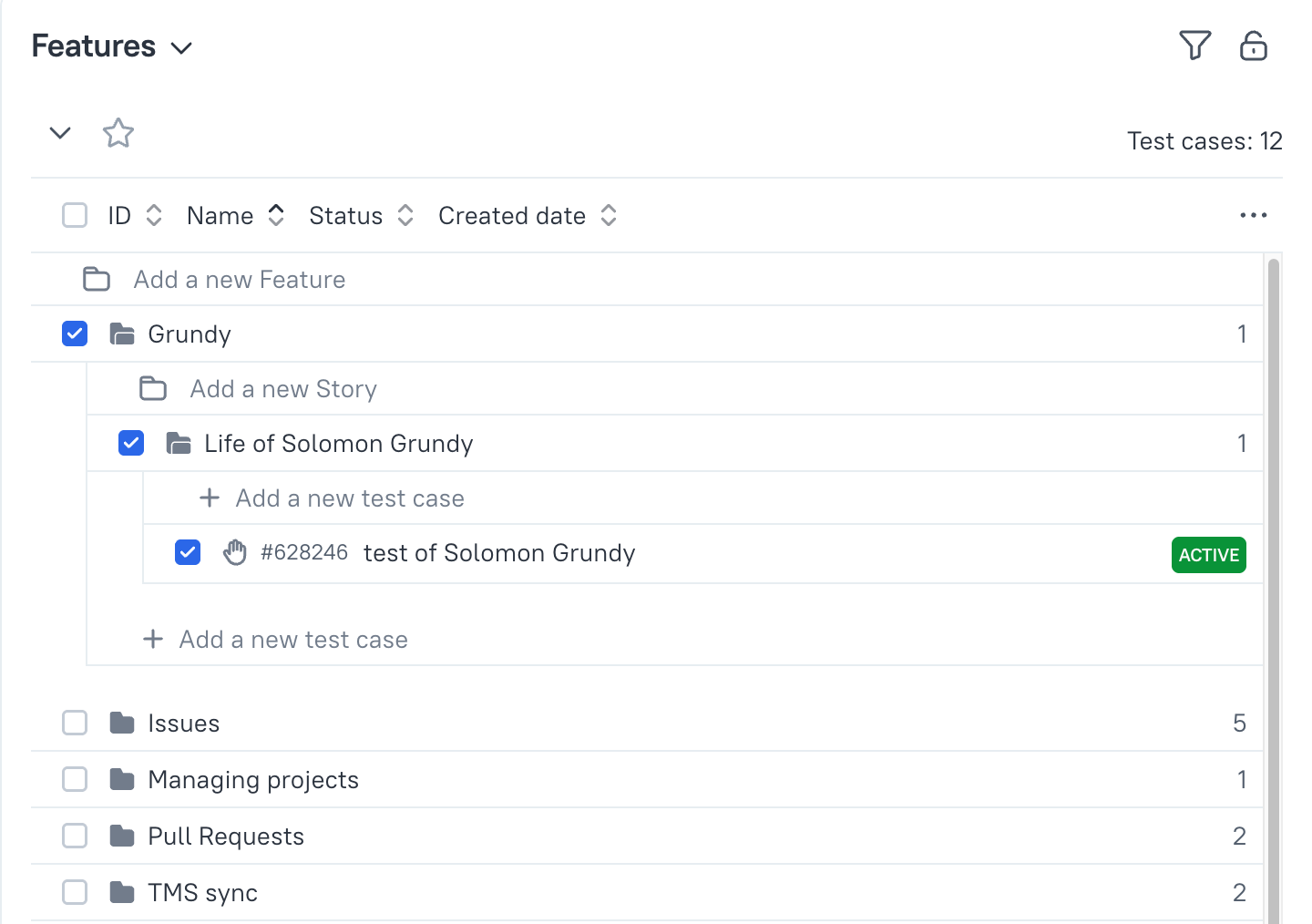
So, the rest of the thousand features in the test cases tree would be a distraction for you, and the favourite tree is to the rescue.
You can focus on the section that is required
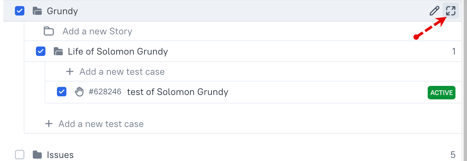
and then make this focused section to your favourite
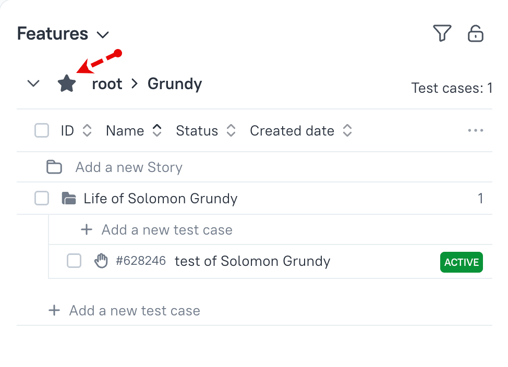
Then, anytime you are using a specific tree you can quickly switch to the focused section of a tree.